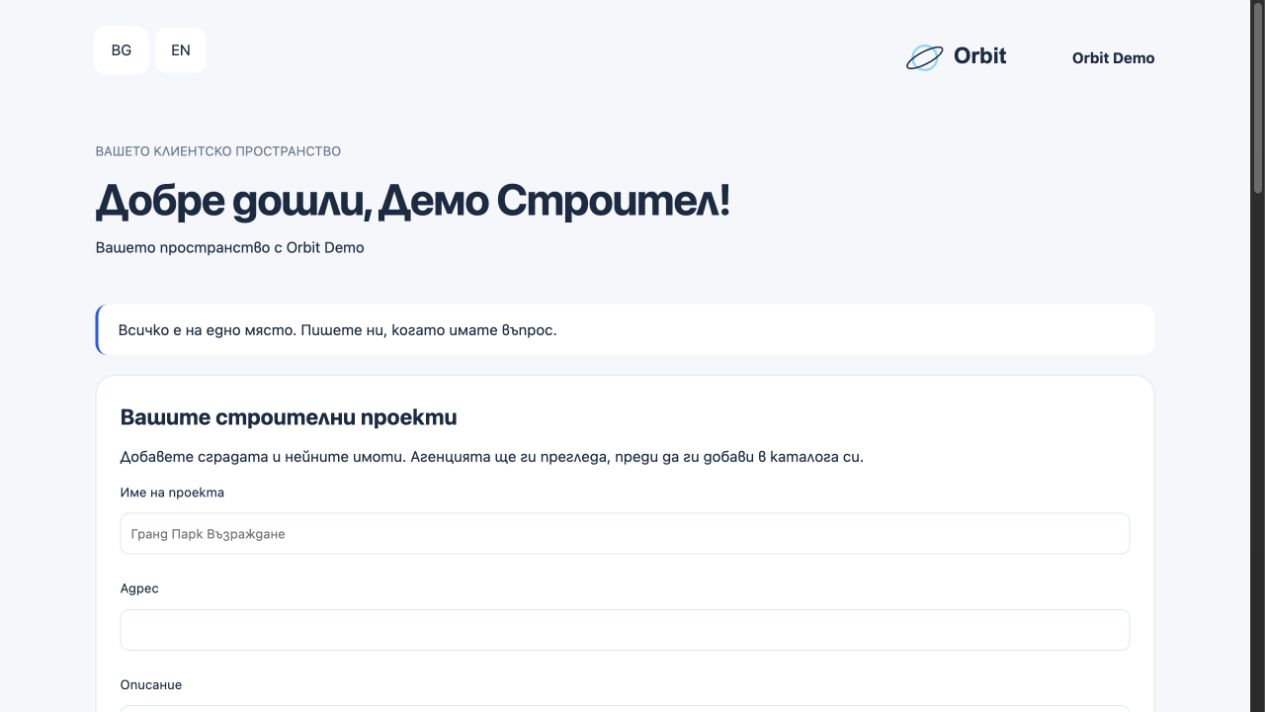
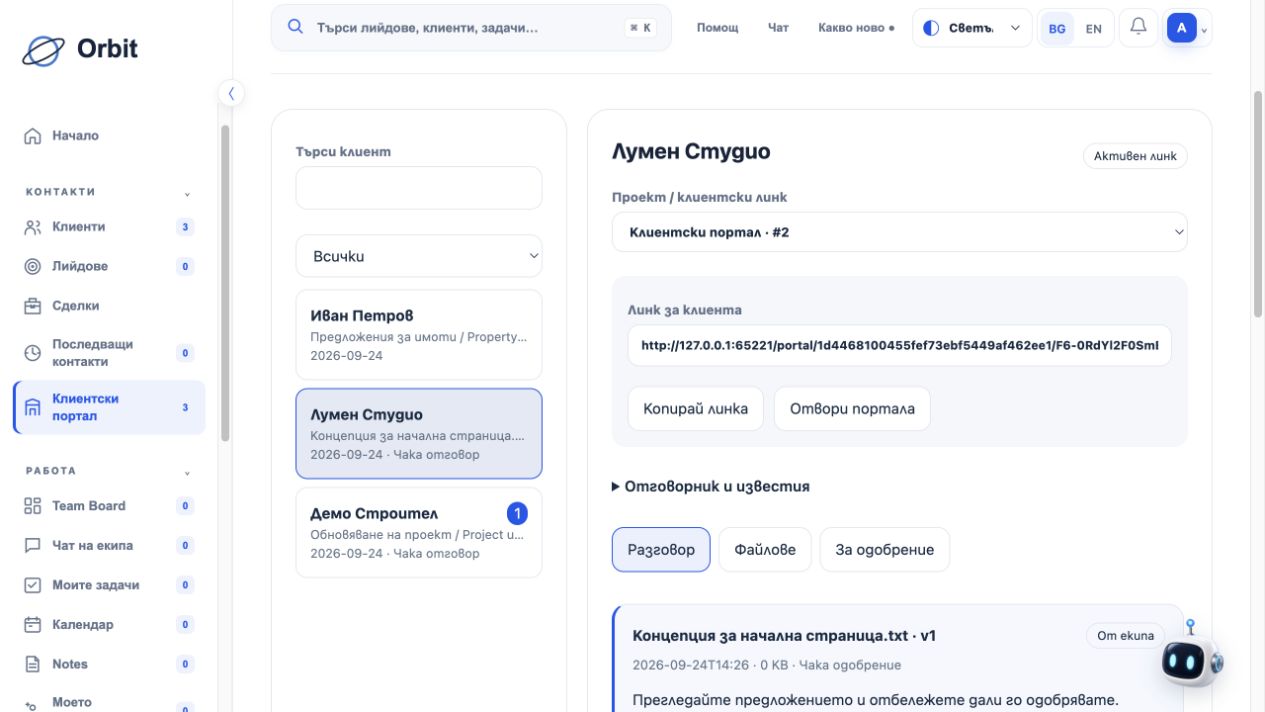
Share the personal link
Create the client portal and share its link. You can find the same link again in Orbit.
Messages, materials, files and approvals in a client space with your company identity.
Included in Business, Scale and the 7-day trialCreate the client portal and share its link. You can find the same link again in Orbit.
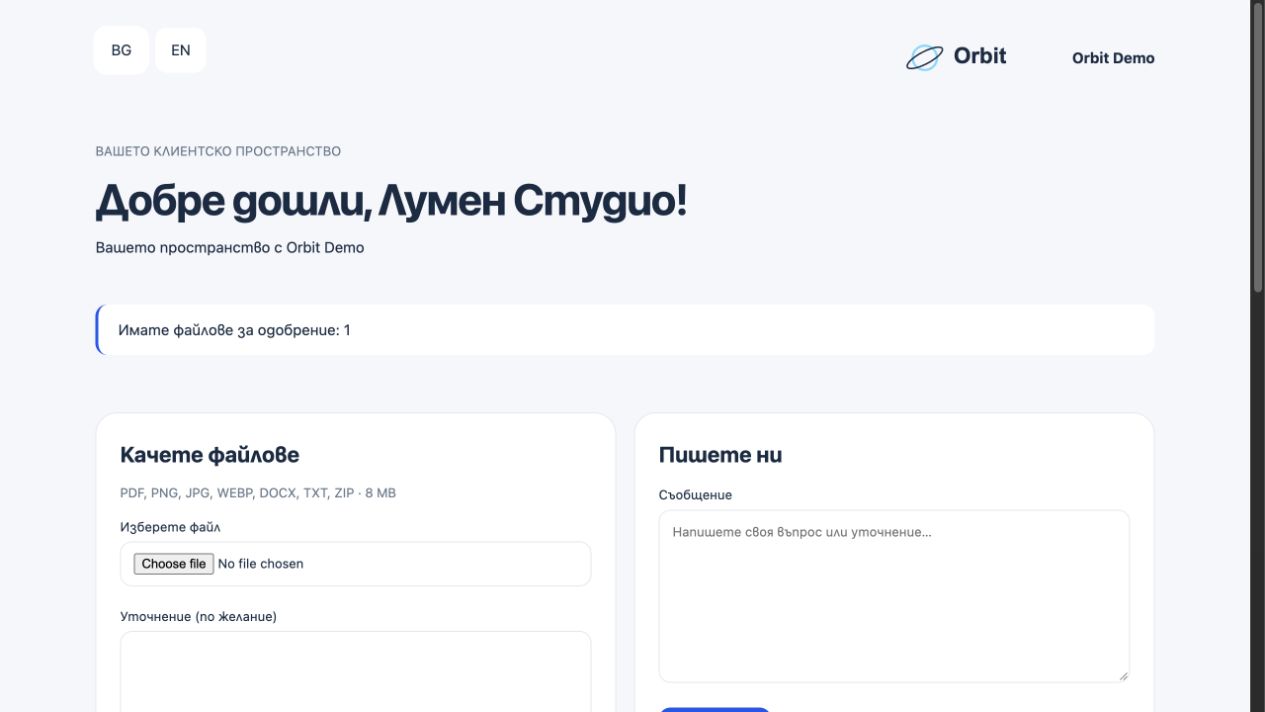
Request materials, upload a file or send a message. Clients reply from their own space.
Send a file for approval. Clients approve it or describe the changes they want.
Both your team and clients can upload files. PDF, images, DOCX, TXT and ZIP up to 8 MB.
Add new versions and see which version was approved or needs changes.
Find the client, open their history and see the newest materials first.
Describe what you need. Clients get a clear action to upload the requested files.
Clients and your team can opt into email notifications for new content.
Clients see what is shared in their portal. Internal notes and tasks stay in your CRM.
Request a brief and materials, share a proposal, and receive a clear approval or change request.
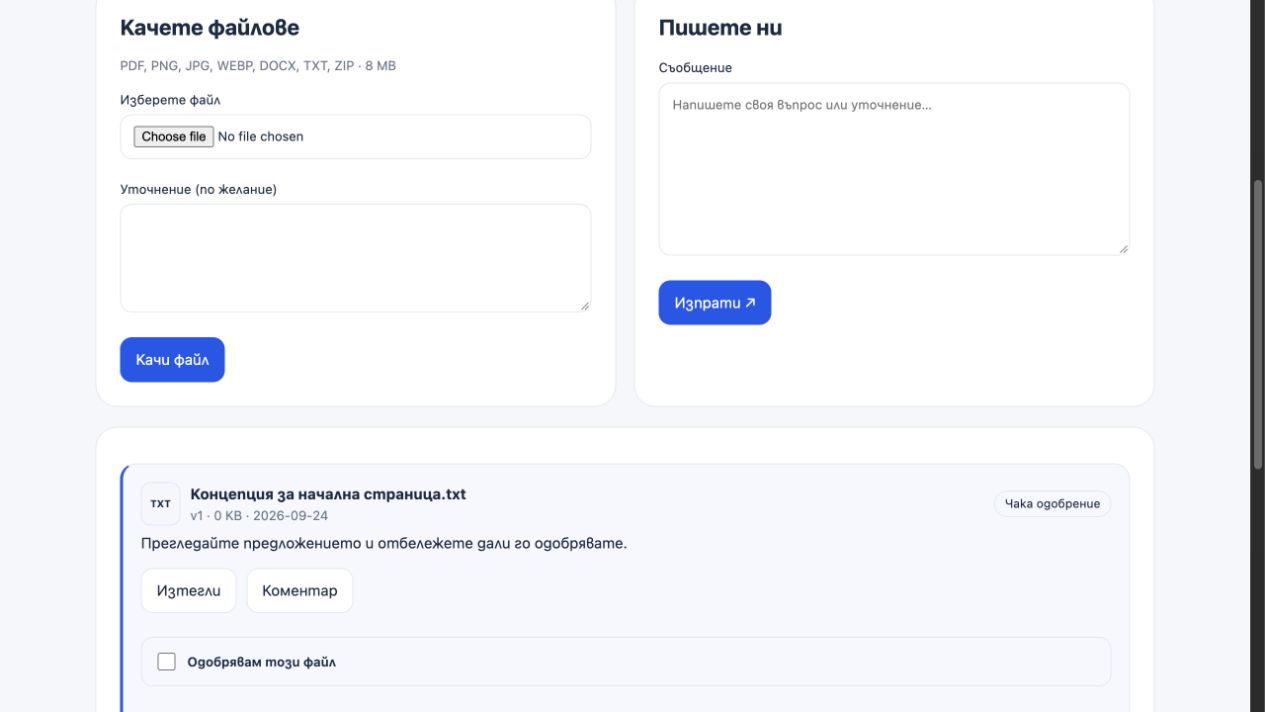
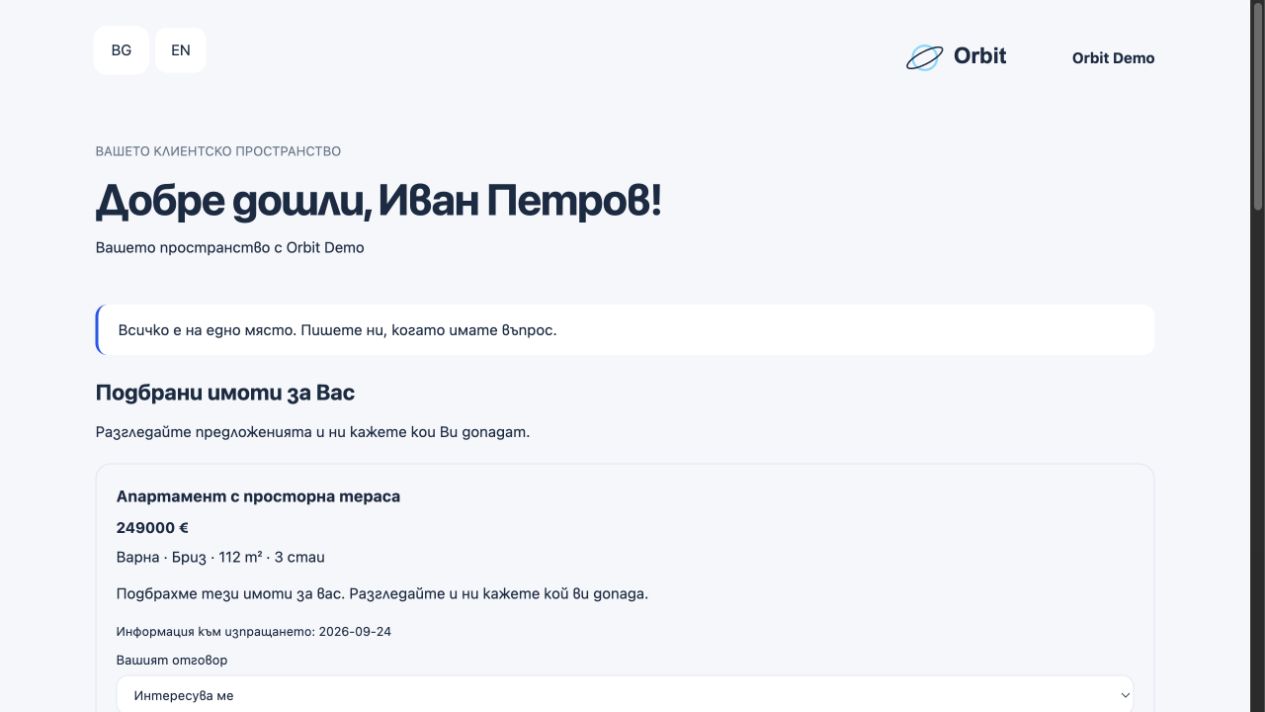
Share suitable properties through the client link. Buyers browse, express interest or request a viewing.
The feature records file approval or a request for changes. It is not presented as a qualified electronic signature service.
No. Clients continue using the same active link.
No. Submitted projects and updates are reviewed by the agency before they are added or applied.
Create a workspace, invite your team and share your first client link.
Try free for 7 days No card required · All modules · Up to 5 trial users